Digital Workplace Transformation: The Post-Pandemic Enterprise
Introduction
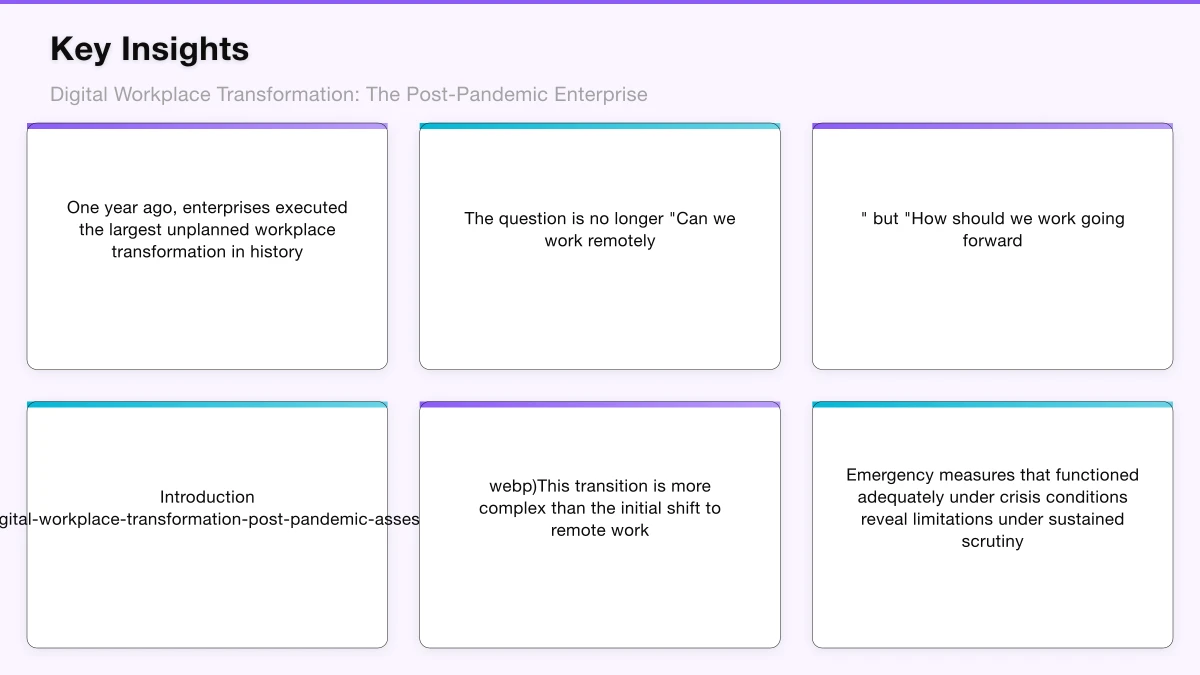
One year ago, enterprises executed the largest unplanned workplace transformation in history. Within weeks, organizations sent millions of knowledge workers home, deployed collaboration tools at unprecedented scale, and discovered that remote work was not merely possible but productive.
As vaccination programs accelerate and offices prepare to reopen, technology leaders face a new challenge: transforming crisis response into sustainable strategy. The question is no longer “Can we work remotely?” but “How should we work going forward?”
This transition is more complex than the initial shift to remote work. Emergency measures that functioned adequately under crisis conditions reveal limitations under sustained scrutiny. Employee expectations have shifted permanently. The competitive landscape for talent has changed. Technology choices made hastily must now be evaluated strategically.
This article provides a framework for CTOs leading digital workplace transformation through this pivotal transition, addressing technology architecture, security considerations, employee experience, and organizational change management.
Assessing the Current State
Before charting the path forward, organizations must honestly assess their current digital workplace state. The past year created significant variation in digital workplace maturity.
Technology Infrastructure Assessment
Collaboration Platform Deployment
Most enterprises now operate enterprise collaboration platforms at scale—Microsoft Teams, Slack, Google Workspace, or combinations thereof. Assessment questions include:
- Are platforms deployed with enterprise governance or emergency provisioning?
- What integration exists with core business systems?
- How consistent is adoption and usage across the organization?
- What technical debt accumulated during rapid deployment?
Remote Access Architecture
The shift to remote work stressed remote access infrastructure designed for a small percentage of employees.
- VPN capacity and performance under sustained load
- Direct-to-cloud access for SaaS applications
- Network security posture with distributed workforce
- Endpoint management for corporate and personal devices
Communication Infrastructure
Video conferencing moved from occasional to constant, revealing infrastructure limitations.
- Meeting platform standardization vs. fragmentation
- Audio/video quality and reliability
- Integration with scheduling and calendar systems
- Recording, transcription, and compliance capabilities
User Experience Assessment
Technology deployment metrics tell only part of the story. Employee experience assessment reveals actual effectiveness.
Productivity Indicators:
- Employee self-reported productivity assessments
- Manager assessments of team effectiveness
- Quantitative productivity metrics where available
- Collaboration pattern analysis from platform data
Pain Point Identification:
- Help desk ticket themes and volumes
- Employee survey feedback
- Focus group insights
- Comparison of remote vs. in-office experiences
Digital Dexterity:
- Tool proficiency variation across populations
- Training completion and effectiveness
- Shadow IT emergence patterns
- Innovation adoption indicators
Security and Compliance Assessment
The rapid shift to remote work likely created security gaps that require attention.
Access Security:
- Authentication strength for remote access
- Privileged access management effectiveness
- Device compliance verification
- Geographic and temporal access patterns
Data Protection:
- Data loss prevention effectiveness for distributed work
- Endpoint data protection coverage
- Cloud data security posture
- Personal device data exposure
Compliance:
- Regulatory compliance verification for remote work
- Audit trail completeness
- eDiscovery capability for collaboration platforms
- Privacy compliance for monitoring tools
Defining the Future Workplace Model
Assessment informs strategy. The fundamental strategic choice is the workplace model the organization will adopt.
Workplace Model Options
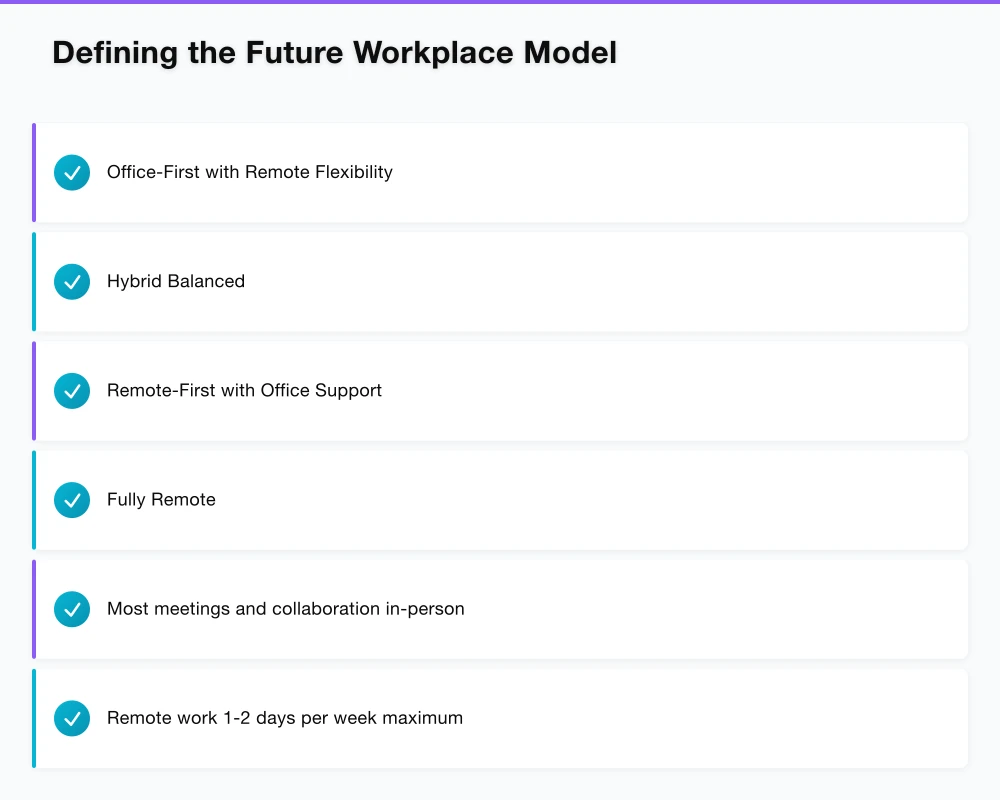
Office-First with Remote Flexibility
Primary work location remains office, with employees working remotely occasionally as needed.
Characteristics:
- Most meetings and collaboration in-person
- Remote work 1-2 days per week maximum
- Technology supports occasional remote needs
- Office remains primary culture and connection venue
Appropriate For: Organizations with strong office culture, roles requiring physical presence, industries with regulatory constraints on remote work.
Hybrid Balanced
Work distributed intentionally between office and remote, with both treated as primary options.
Characteristics:
- Structured hybrid schedules (e.g., 3 days office, 2 days remote)
- Meeting equity between in-person and remote participants
- Technology enables seamless location transitions
- Office redesigned for collaboration rather than individual work
Appropriate For: Most knowledge work organizations seeking to balance collaboration benefits with flexibility preferences.
Remote-First with Office Support
Remote work is the default, with office space available for specific purposes.
Characteristics:
- Employees work remotely by default
- Office space for team gatherings, client meetings, focus work
- Asynchronous communication as primary mode
- Geography-independent hiring
Appropriate For: Technology companies, organizations with distributed operations, those prioritizing talent access over co-location.
Fully Remote
No permanent office space, fully distributed workforce.
Characteristics:
- All work performed remotely
- Periodic in-person gatherings at off-site locations
- Strong asynchronous communication culture
- Maximum geographic flexibility
Appropriate For: Organizations with culture and work patterns suited to full distribution, typically smaller or technology-native companies.
Decision Framework
Selecting the appropriate model requires weighing multiple factors:
| Factor | Office-First | Hybrid | Remote-First |
|---|---|---|---|
| Talent pool | Local | Regional | Global |
| Real estate costs | High | Medium | Low |
| Collaboration quality | High | Medium | Variable |
| Employee flexibility | Low | Medium | High |
| Culture maintenance | Easier | Challenging | Hardest |
| Management complexity | Lower | Higher | Highest |
Most enterprises are gravitating toward hybrid models, though implementation varies significantly.
Technology Architecture for Hybrid Work
The hybrid workplace requires technology architecture that treats remote and in-office work equitably, not as primary and secondary modes.
Collaboration Platform Strategy
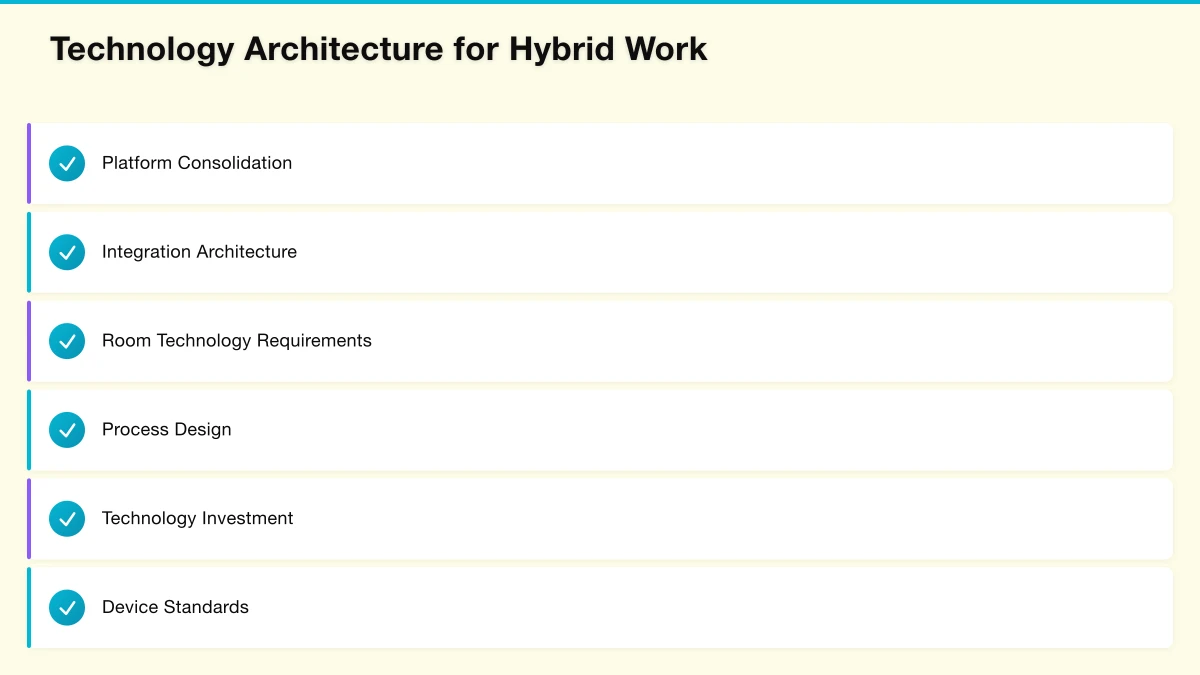
Platform Consolidation
Many organizations deployed multiple collaboration tools during the pandemic—Teams for some groups, Slack for others, Zoom for meetings. Consolidation improves experience and reduces costs.
Evaluation Criteria:
- Integration with existing Microsoft or Google ecosystem
- Meeting and messaging in single platform vs. best-of-breed
- Enterprise governance and compliance capabilities
- User experience and adoption trajectory
Recommendation: For most enterprises, consolidating on either Microsoft Teams or Google Workspace (based on existing ecosystem) provides the best balance of capability and integration.
Integration Architecture
Collaboration platforms must integrate with business systems to maximize value.
Key Integrations:
- Calendar and scheduling systems
- Document management platforms
- CRM and customer service tools
- HR and employee systems
- Line-of-business applications
Implementation Approach:
- Inventory current point-to-point integrations
- Design hub-and-spoke integration architecture with collaboration platform as hub
- Leverage platform native connectors where available
- Build custom integrations for critical systems lacking connectors
- Implement integration governance for quality and security
Meeting Equity Architecture
Hybrid meetings—with some participants in conference rooms and others remote—create inequitable experiences if not designed carefully.
Room Technology Requirements:
- Video: Wide-angle cameras that capture all room participants; speaker-tracking cameras for larger rooms
- Audio: Ceiling microphones or distributed microphone arrays; echo cancellation for room acoustics
- Display: Large displays showing remote participants at near-life-size; secondary displays for content
- Interaction: Wireless content sharing from laptops and mobile devices; digital whiteboarding integration
Process Design:
- Everyone joins meetings individually, even when co-located, for critical discussions
- In-room facilitator responsible for including remote participants
- Chat used for questions to ensure remote participants can contribute
- Recording and transcription for those who cannot attend synchronously
Technology Investment:
Room technology upgrades represent significant investment. Prioritize based on usage patterns:
- Executive briefing rooms with frequent hybrid meetings
- Team collaboration spaces used for recurring hybrid meetings
- Large conference rooms used for all-hands and town halls
- General-purpose meeting rooms based on utilization data
Endpoint Strategy
Hybrid work requires consistent experience across locations and devices.
Device Standards:
Employee-Assigned Devices:
- Laptops as primary devices for mobility between office and home
- Monitors and docking stations for home offices
- Quality headsets or webcams for meeting participation
- Corporate mobile devices where required
Shared Office Devices:
- Hot desking infrastructure with plug-and-work capability
- Collaboration displays in meeting rooms
- Phone systems (traditional or Teams/Zoom integrated)
Device Management:
Modern device management must support:
- Corporate-owned device management across platforms
- Personal device access with appropriate controls (BYOD)
- Conditional access based on device compliance
- Zero-touch provisioning for new employees
- Remote wipe and data protection
Network Architecture
The traditional network model—corporate network perimeter with VPN for remote access—does not scale for hybrid work.
Network Evolution:
Short-term: Expand VPN capacity and implement split tunneling for cloud services
Medium-term: Deploy Secure Access Service Edge (SASE) or similar cloud-native network security
Long-term: Zero trust network architecture treating all connections as untrusted until verified
Key Capabilities:
- Direct-to-cloud access for SaaS applications
- Cloud-based secure web gateway
- Cloud access security broker for sanctioned cloud services
- Software-defined WAN for office connectivity
- Identity-based access policies replacing network perimeter
Security in the Hybrid Workplace
The expanded attack surface of hybrid work requires security strategy evolution.
Identity as the New Perimeter
With users accessing resources from any location on any device, identity verification becomes the primary security control.
Identity Security Requirements:
- Multi-factor authentication for all users, all applications
- Risk-based authentication adapting to context
- Privileged access management for administrative accounts
- Identity governance for access certification
- Integration with HR systems for lifecycle management
Implementation Priority:
- Deploy MFA universally if not already complete
- Implement conditional access policies based on device, location, and risk
- Deploy privileged access management for IT administrators
- Establish identity governance processes for access reviews
Endpoint Security for Distributed Workforce
Endpoints outside the corporate network require enhanced protection.
Endpoint Security Stack:
- Next-generation antivirus with behavioral detection
- Endpoint detection and response (EDR) for threat hunting
- Device encryption for data at rest protection
- Host-based firewall and web filtering
- Patch management with accelerated critical updates
Managed vs. Personal Devices:
For corporate-managed devices, full endpoint security deployment is standard. For personal devices (BYOD), options include:
- Application Containerization: Corporate apps and data isolated from personal device
- Virtual Desktop: Corporate work performed in streamed desktop environment
- Web-Only Access: Corporate access limited to web applications with no local data
- No BYOD: Corporate-owned devices required for all access
Data Protection Evolution
Data loss prevention must adapt to cloud-centric, distributed work patterns.
Cloud DLP Integration:
- DLP policies in Microsoft 365 / Google Workspace
- Cloud access security broker DLP for other cloud services
- Email DLP for external communication
- Endpoint DLP for local device protection
Sensitive Data Management:
- Data classification frameworks defining sensitivity levels
- Automatic classification using pattern matching and machine learning
- Encryption and rights management for highly sensitive data
- Data residency controls for regulated information
Employee Experience and Adoption
Technology deployment without attention to employee experience yields poor outcomes. Digital workplace transformation requires intentional experience design.
Digital Employee Experience
Digital employee experience encompasses how employees interact with technology throughout their workday.
Experience Dimensions:
Usability: Can employees accomplish tasks efficiently with available tools? Reliability: Do tools work consistently without disruption? Integration: Do tools work together or create fragmented experiences? Support: Can employees get help when they encounter problems? Empowerment: Do tools enable employees to work the way they prefer?
Measurement Approaches:
- Digital experience monitoring tools measuring application performance
- Employee surveys specifically addressing digital experience
- Support ticket analysis for experience pain points
- Usage analytics showing adoption and engagement
- Sentiment analysis from collaboration platform content
Adoption and Change Management
Technology deployment is not complete at go-live. Sustained adoption requires ongoing investment.
Adoption Program Components:
Awareness: Communication explaining what tools are available and why they matter
Training: Skill development for effective tool use
- Self-service learning resources
- Live virtual training sessions
- Role-based curriculum
- Advanced user certification
Support: Help when employees encounter problems
- Enhanced IT support during transitions
- Champion networks providing peer support
- In-application guidance and tooltips
- Community forums for knowledge sharing
Reinforcement: Ongoing encouragement of tool adoption
- Usage metrics and nudges
- Success story sharing
- Recognition for digital skills
- Manager modeling of desired behaviors
Addressing Digital Equity
Not all employees have equivalent digital circumstances. Addressing digital equity ensures inclusive workplace transformation.
Equity Considerations:
Home Environment: Some employees have dedicated home offices; others work from shared spaces or small apartments
Technology Access: Bandwidth, equipment quality, and technical support vary
Digital Skills: Digital fluency varies across demographics and roles
Caregiving: Employees with children or elder care have different flexibility needs
Equity Actions:
- Home office stipends for equipment and ergonomics
- Internet subsidy for high-bandwidth connections
- Extended support for employees with lower digital fluency
- Flexible scheduling accommodating personal circumstances
- Inclusive meeting practices accommodating various situations
Organizational Change Leadership
Digital workplace transformation is fundamentally an organizational change initiative. Technology enables; leadership transforms.
Executive Alignment
Technology leaders cannot drive workplace transformation alone. Executive alignment across the C-suite is essential.
Alignment Agenda:
- CEO: Vision for future of work and competitive positioning
- CHRO: Employee experience and talent strategy integration
- CFO: Investment case and real estate strategy alignment
- COO: Operational process redesign for hybrid work
- CRO/CMO: Customer engagement in hybrid model
Governance Structure:
Establish cross-functional governance for workplace transformation:
- Executive steering committee for strategic decisions
- Working groups for specific workstreams (technology, policy, space)
- Employee advisory panels for ground-level input
- Regular all-hands communication on transformation progress
Manager Enablement
Frontline managers are critical to hybrid work success. Their experience managing distributed teams determines employee experience.
Manager Development:
- Leading hybrid and remote teams
- Results-based performance management
- Supporting employee wellbeing remotely
- Building team connection across locations
- Using technology effectively for management
Manager Tools:
- Dashboards for team engagement and workload
- Templates for effective one-on-ones
- Guidance for hybrid meeting facilitation
- Resources for addressing team challenges
Culture in Distributed Work
Organizational culture—the shared values, behaviors, and assumptions that define how work gets done—faces challenges in distributed environments.
Culture Risks:
- Erosion of informal knowledge sharing
- Weakened social connections and belonging
- Reduced visibility into organizational context
- Divergent subcultures across locations
- Difficulty integrating new employees
Culture Investments:
- Intentional virtual social events and team building
- Leadership visibility through regular communication
- Documentation of decisions and context previously shared informally
- Enhanced onboarding for cultural integration
- Cross-team collaboration opportunities
Measuring Transformation Success
Digital workplace transformation requires clear success metrics tied to strategic objectives.
Technology Metrics
Adoption Metrics:
- Active users of collaboration platforms
- Meeting volume and participation
- Content creation and collaboration
- Mobile usage patterns
Performance Metrics:
- Application availability and reliability
- Meeting quality scores
- Support ticket volumes and resolution times
- Security incident rates
Business Metrics
Productivity Metrics:
- Employee self-assessed productivity
- Manager assessments of team output
- Project delivery metrics
- Revenue per employee trends
Talent Metrics:
- Employee engagement scores
- Voluntary turnover rates
- Recruiting success metrics
- Internal mobility rates
Financial Metrics:
- Real estate cost per employee
- Technology cost per employee
- Travel and commuting costs
- Energy and sustainability metrics
Looking Forward
The digital workplace continues evolving. Several trends will shape the next phase of transformation.
Emerging Technologies
AI-Powered Collaboration: Meeting transcription and summarization, intelligent scheduling, content recommendations
Immersive Collaboration: Virtual reality meeting spaces, augmented reality for hybrid collaboration
Ambient Computing: Voice interfaces, smart spaces, seamless transitions between devices and locations
Evolving Expectations
Employee Agency: Increasing expectation for flexibility and choice in where and how work happens
Work-Life Integration: Blurring boundaries between work and personal life requiring intentional management
Purpose and Meaning: Growing emphasis on work alignment with personal values and social impact
Strategic Implications
Organizations that excel at digital workplace transformation will achieve:
- Superior access to talent unrestricted by geography
- Lower real estate costs through optimized space utilization
- Higher employee engagement through flexibility and empowerment
- Improved resilience through location-independent operations
- Competitive advantage in industries slower to transform
Conclusion
The past year demonstrated that knowledge work can happen anywhere. The coming years will determine which organizations harness this insight strategically and which retreat to pre-pandemic patterns.
CTOs play a crucial role in this transformation—not merely as technology implementers but as strategic partners shaping the future of work. The framework presented here provides guidance for this journey:
- Assess current state honestly across technology, experience, and security
- Define the workplace model that aligns with organizational strategy
- Architect technology for true hybrid work equity
- Secure the expanded attack surface of distributed work
- Design employee experiences that drive adoption and satisfaction
- Lead organizational change that transforms culture for hybrid work
- Measure success against strategic objectives
The digital workplace transformation is not a project with an end date. It is an ongoing capability that adapts as technology, employee expectations, and competitive dynamics evolve. Organizations that build this capability will thrive in the decades ahead.
The future of work is not determined by technology alone. It emerges from the strategic choices organizations make about how technology enables human collaboration, productivity, and fulfillment.
The strategic frameworks I discuss here come to life through execution. Cloud Geeks covers the practical side of cloud infrastructure and IT management.
Ash Ganda is the founder of Ganda Tech Services, a Sydney-based technology consultancy delivering cloud, web, and mobile solutions for Australian businesses.
About the Author
Ashish Ganda is the founder of Ganda Tech Services, a Sydney-based technology consultancy specialising in cloud infrastructure, web development, and mobile app solutions for Australian businesses.
Digital Transformation Roadmap 2026
A 12-month framework for Australian SMBs ready to modernise — phases, tools, and milestones.