Enterprise Deployment Strategies: Blue-Green, Canary, and Rolling
The way an organisation deploys software reveals more about its engineering maturity than almost any other practice. Deployment is where code meets production, where plans encounter reality, and where the tension between velocity and stability is resolved through architecture and process.
For enterprise organisations managing hundreds of services, serving millions of users, and operating under regulatory scrutiny, the deployment strategy is a critical architectural decision. The wrong approach either slows delivery to a crawl or exposes the business to unacceptable risk. The right approach enables rapid, confident delivery with clear rollback paths.
Blue-Green Deployment: Maximum Safety Through Duplication
Blue-green deployment maintains two identical production environments, conventionally called “blue” and “green.” At any given time, one environment serves live traffic while the other sits idle or serves as a staging environment.
Deployment proceeds by deploying the new version to the inactive environment, running validation tests against it, and then switching traffic from the active environment to the newly deployed one. If problems emerge, traffic can be switched back to the previous environment immediately, providing a near-instantaneous rollback.
Advantages for enterprise: The rollback story is compelling. In industries where downtime has severe financial or regulatory consequences — financial trading platforms, healthcare systems, e-commerce during peak periods — the ability to revert to a known-good state in seconds rather than minutes or hours is valuable enough to justify the infrastructure cost.
Blue-green deployments also enable thorough pre-deployment validation. The new version runs in a production-identical environment and can be tested with production-like traffic (through traffic mirroring) before it receives live requests. This catches environmental issues that staging environments miss.
Challenges and trade-offs: The most obvious cost is infrastructure. Maintaining two complete production environments doubles the infrastructure footprint during deployment windows. For organisations with large, resource-intensive environments, this cost is significant. Cloud infrastructure mitigates this somewhat — the inactive environment can be scaled down between deployments — but database infrastructure cannot be easily duplicated without addressing data synchronisation.
Database migrations are the most challenging aspect of blue-green deployments. Both environments must be compatible with the same database, which means database changes must be backward-compatible. The expand-contract pattern — adding new columns or tables before removing old ones, across multiple deployments — addresses this but adds complexity to database change management.
Session management across the switch requires attention. Users with active sessions in the blue environment need to be handled gracefully when traffic moves to green. External session stores (Redis, Memcached) that both environments share, or session-less architectures with JWT tokens, simplify this transition.
Canary Deployment: Risk Reduction Through Gradual Exposure
Canary deployment routes a small percentage of production traffic to the new version while the majority continues to be served by the current version. The traffic percentage is gradually increased as confidence in the new version grows. If problems are detected, traffic is routed back to the current version, limiting the blast radius to the small percentage of users who received the canary.
The name references the practice of using canaries in coal mines to detect dangerous gases. In this context, a small subset of users “detects” problems with the new version before the entire user base is exposed.
Advantages for enterprise: Canary deployments provide production validation with real traffic and real users, which is the most authentic test possible. Issues that only manifest under production conditions — subtle performance degradations, race conditions, integration failures with downstream services — are detected early, when they affect a small user population.
The progressive exposure model aligns well with enterprise risk management. A canary that starts at one percent of traffic, progresses to five, then twenty-five, then one hundred, provides multiple observation windows where problems can be detected and the deployment can be halted.
Canary deployments also enable sophisticated analysis. By comparing the canary population against the control population across metrics like error rates, latency percentiles, and business KPIs, organisations can make data-driven deployment decisions. Automated canary analysis tools like Kayenta (developed by Netflix and Google) can evaluate canary health automatically and halt deployments that show statistical degradation.
Challenges and trade-offs: Canary deployments require infrastructure that can route traffic to different versions simultaneously. Service meshes like Istio and Linkerd provide traffic splitting capabilities, as do many cloud load balancers. But the routing infrastructure must be robust — a misconfiguration that sends all traffic to the canary defeats the purpose.
Observability requirements are higher for canary deployments. The organisation must be able to segment metrics by version to compare canary and baseline performance. This requires deployment metadata to flow through the observability stack, which may require changes to logging, metrics, and tracing infrastructure.
Stateful applications present challenges. If the canary version writes data in a format that the current version cannot read, users who are routed to the canary and then back to the current version may experience issues. This requires careful attention to data compatibility, similar to the database challenges in blue-green deployments.
Rolling Deployment: Simplicity at Scale
Rolling deployment updates instances incrementally, replacing old-version instances with new-version instances one at a time (or in small batches). At any point during the deployment, both old and new versions are serving traffic. The deployment completes when all instances are running the new version.
Advantages for enterprise: Rolling deployments are the simplest to implement and operate. Kubernetes natively supports rolling deployments through its Deployment resource, requiring minimal configuration. No additional infrastructure is needed — the same capacity serves traffic throughout the deployment.
For organisations with large numbers of instances, rolling deployments provide a natural form of progressive exposure. If a service runs on fifty instances and they are updated one at a time, the first update exposes two percent of capacity to the new version, naturally providing some canary-like behaviour.
Rolling deployments work well for stateless services where any instance can handle any request and where brief periods of mixed-version traffic are acceptable. For many internal services, batch processing systems, and backend infrastructure, rolling deployments provide adequate safety with minimal operational complexity.
Challenges and trade-offs: During a rolling deployment, both old and new versions serve traffic simultaneously. This means the application must be backward-compatible — the new version must work with requests that the old version generated and vice versa. API contracts, message formats, and database schemas must maintain compatibility across the deployment window.
Rollback is slower than blue-green or canary approaches. Reverting a rolling deployment means performing another rolling deployment of the previous version, which takes time proportional to the number of instances. For applications where rapid rollback is essential, this delay may be unacceptable.
The lack of a clean separation between versions makes it harder to attribute problems to the deployment. If errors increase during a rolling deployment, determining whether the new version, the mixed-version state, or an unrelated factor is the cause requires sophisticated observability.
Choosing the Right Strategy
The deployment strategy should match the risk profile, operational maturity, and infrastructure capabilities of the organisation. I recommend a portfolio approach where different services use different strategies based on their characteristics:
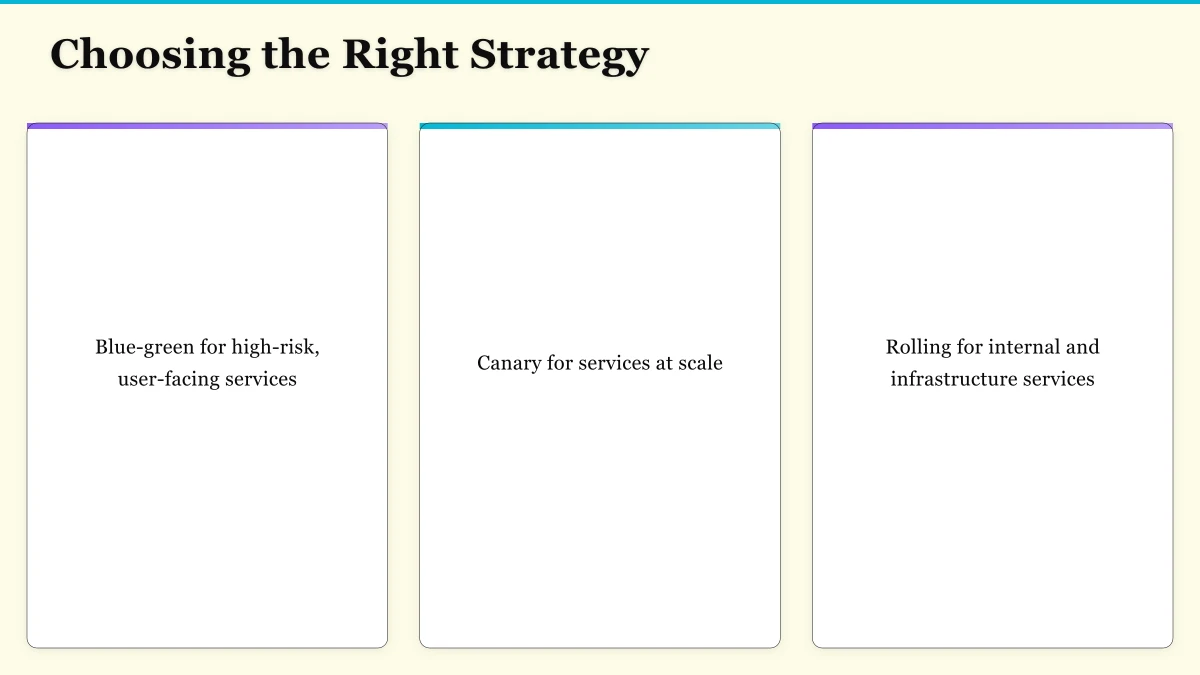
Blue-green for high-risk, user-facing services: Services where deployment failures have immediate customer impact and rapid rollback is essential. The infrastructure cost is justified by the safety guarantees.
Canary for services at scale: Services with large user populations where gradual exposure provides meaningful statistical validation. The investment in traffic management and observability infrastructure pays dividends through data-driven deployment confidence.
Rolling for internal and infrastructure services: Services where brief mixed-version operation is acceptable, where the user impact of a problematic deployment is contained, and where operational simplicity is valued.
The maturity path for most organisations starts with rolling deployments, progresses to blue-green for critical services, and eventually adopts canary deployments as observability and traffic management capabilities mature. Each step reduces deployment risk while maintaining delivery velocity — the fundamental goal of modern deployment practice.
Whichever strategy an organisation adopts, the underlying principles remain constant: automate everything, make rollback a first-class operation, monitor aggressively during deployments, and treat deployment as an engineering discipline that deserves the same rigour as the code being deployed.
For the practitioner’s view on web design and digital marketing, explore Cosmos Web Tech — where strategy meets execution.
These insights are drawn from my work leading Ganda Tech Services — helping Australian businesses navigate digital transformation through cloud, web, and mobile.
About the Author
Ashish Ganda is the founder of Ganda Tech Services, a Sydney-based technology consultancy specialising in cloud infrastructure, web development, and mobile app solutions for Australian businesses.
Digital Transformation Roadmap 2026
A 12-month framework for Australian SMBs ready to modernise — phases, tools, and milestones.
Almost done
Check your inbox and click the confirmation link to get your download.