Building Enterprise Developer Portals with Backstage
A year ago, I wrote about Backstage as a foundation for enterprise developer platforms. Since then, the platform engineering movement has accelerated dramatically, and Backstage has solidified its position as the leading open-source framework for internal developer portals. The CNCF incubation, growing plugin ecosystem, and increasing enterprise adoption have validated the approach.
But the organisations that adopted Backstage early have also surfaced the challenges of operating a developer portal at enterprise scale. The initial deployment is straightforward; building a portal that developers actually use, that scales across hundreds of teams, and that measurably improves developer experience is a different challenge entirely.
This article shares the patterns and lessons that distinguish successful enterprise Backstage deployments from installations that fail to achieve adoption.
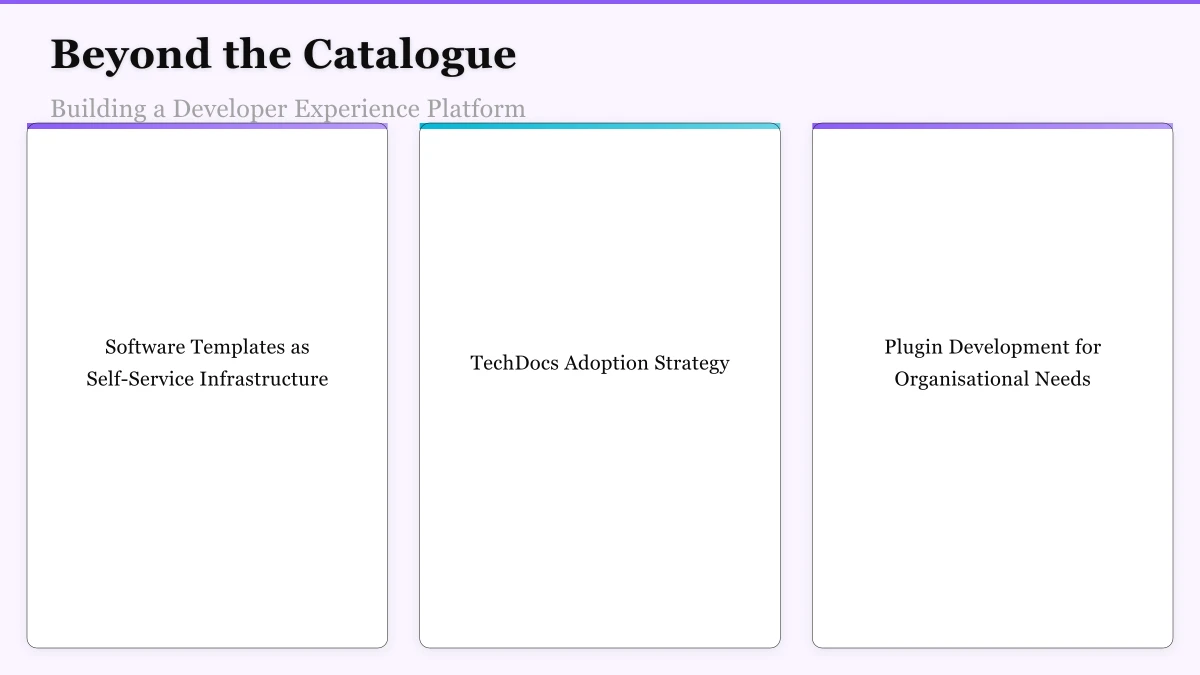
Beyond the Catalogue: Building a Developer Experience Platform
The service catalogue is Backstage’s foundational feature, but organisations that stop there underutilise the platform. The real value emerges when Backstage becomes the starting point for developer workflows — the place where developers go first, not as a reference they consult occasionally.
Software Templates as Self-Service Infrastructure: The most impactful Backstage feature for developer productivity is Software Templates, which enable teams to create new services, libraries, and infrastructure components through a guided self-service workflow. A well-designed template creates a new repository, scaffolds the project structure, configures CI/CD pipelines, provisions cloud infrastructure, creates monitoring dashboards, registers the component in the catalogue, and adds documentation scaffolding — all through a single form submission.
The key to template success is encoding real organisational standards, not theoretical best practices. Templates should produce outputs that match what experienced teams already build, not aspirational architectures that no one follows. Start by documenting how the best teams in the organisation set up new services, then codify that process into templates.
Template maintenance is equally important. Templates that fall out of date — referencing deprecated libraries, outdated CI/CD configurations, or retired infrastructure patterns — undermine trust in the platform. Assigning template ownership to the platform team and establishing a review cadence prevents template decay.
TechDocs Adoption Strategy: Backstage’s TechDocs system renders Markdown documentation from repositories and serves it within the portal. The technical implementation is straightforward, but achieving organisation-wide adoption of TechDocs requires addressing the root cause of documentation problems: documentation is not valued.
Successful TechDocs adoption programmes combine:
Automated documentation generation for repetitive documentation (API references, deployment procedures, architecture diagrams) that reduces the manual effort.
Documentation quality scores surfaced in the catalogue that make documentation gaps visible. A service with no documentation has a visible quality gap that creates social pressure to address.
Documentation templates that provide structure and reduce the blank-page problem. A pre-populated template with sections for architecture, deployment, troubleshooting, and runbooks is easier to complete than an empty page.
Integration with onboarding: making TechDocs the expected way new team members learn about services they will work on creates a direct feedback loop. Gaps in documentation are immediately experienced by every new team member.
Plugin Development for Organisational Needs: The Backstage plugin ecosystem provides integrations with common tools, but every organisation has unique systems, workflows, and data sources that require custom plugins. Building custom plugins is where Backstage transforms from a generic portal into a tailored developer experience.
Common custom plugins include:
Service health dashboards that aggregate monitoring data from the organisation’s specific observability stack.
Cost attribution views that show each team the cloud cost of their services.
Compliance status displays that surface security scanning results, dependency currency, and policy compliance.
Incident history integration that shows recent incidents for each service alongside its catalogue entry.
On-call information that displays the current on-call engineer for each service, integrated with the organisation’s incident management platform.
Scaling the Catalogue
Organisations with hundreds or thousands of services face scaling challenges that smaller deployments do not encounter:
Automated Discovery and Registration: Manual catalogue registration does not scale. Automated discovery mechanisms that scan GitHub organisations, Kubernetes clusters, CI/CD pipelines, and cloud accounts for services and automatically register them in the catalogue ensure comprehensive coverage. The platform team should set a target of over ninety-five percent catalogue coverage, measured through automated audits that compare discovered services against registered services.
Metadata Enrichment: The basic catalogue entry (name, owner, repository) provides limited value. Rich metadata — technology stack, team contacts, SLO targets, deployment environment, data classification, compliance requirements — transforms the catalogue from a directory into an intelligence system.
Enrichment should be automated where possible (detecting technology stack from repository contents, inferring deployment environments from CI/CD configuration) and streamlined where manual input is required (structured forms with validation, periodic ownership reviews).
Catalogue Quality Monitoring: A catalogue with stale or inaccurate data erodes trust. Quality monitoring that detects orphaned services (owner has left), outdated metadata (last deployment over six months ago), and missing information (no documentation, no on-call configured) enables proactive maintenance.
Scorecards that assess service maturity across dimensions — documentation completeness, monitoring coverage, security compliance, operational readiness — provide both quality signals and improvement incentives.
Measuring Developer Experience
The ultimate measure of a developer portal’s success is its impact on developer experience and productivity. Without measurement, the platform team cannot demonstrate value, prioritise improvements, or justify continued investment.
Quantitative Metrics: Portal-level metrics include daily active users, page views by section (catalogue, templates, TechDocs, plugins), template usage (services created per month), and search success rates. These metrics indicate adoption and engagement.
Productivity metrics are harder to attribute directly to the portal but can be tracked: time to create a new service (before and after template adoption), time to onboard a new team member, and time to discover service ownership during incidents.
Qualitative Feedback: Developer surveys that assess satisfaction with the portal, identify pain points, and surface unmet needs provide insight that quantitative metrics cannot. Quarterly surveys with consistent questions enable trend tracking. Ad hoc interviews with power users and non-adopters reveal different perspectives.
SPACE Framework: The SPACE framework for developer productivity — Satisfaction, Performance, Activity, Communication, Efficiency — provides a structured approach to measuring the multi-dimensional impact of developer experience investments. The portal contributes to satisfaction (reduced frustration finding information), efficiency (faster self-service provisioning), and communication (improved visibility into service ownership and dependencies).
The developer portal is not a project with a completion date. It is a product that requires continuous investment, iteration, and improvement. The platform team that treats it with product management discipline — understanding users, measuring outcomes, prioritising improvements, and iterating continuously — builds a developer experience that becomes indispensable. The CTO’s role is to ensure that the developer portal receives the sustained investment and organisational commitment it needs to fulfil its potential as the foundation of the enterprise developer experience.
A digital strategy without mobile is incomplete. Awesome Apps publishes practical guides on building apps that Australian users love.
I lead Ganda Tech Services, where we turn digital strategy into results through specialist cloud, web design, and mobile app teams across Sydney.
About the Author
Ashish Ganda is the founder of Ganda Tech Services, a Sydney-based technology consultancy specialising in cloud infrastructure, web development, and mobile app solutions for Australian businesses.
Tech Stack Selection Guide 2026
Choose the right tools for your Australian business — without the vendor hype or overlapping spend.
Almost done
Check your inbox and click the confirmation link to get your download.