Why We Rebuilt on Astro: What Four Broken Sites Taught Us About Static and Performance
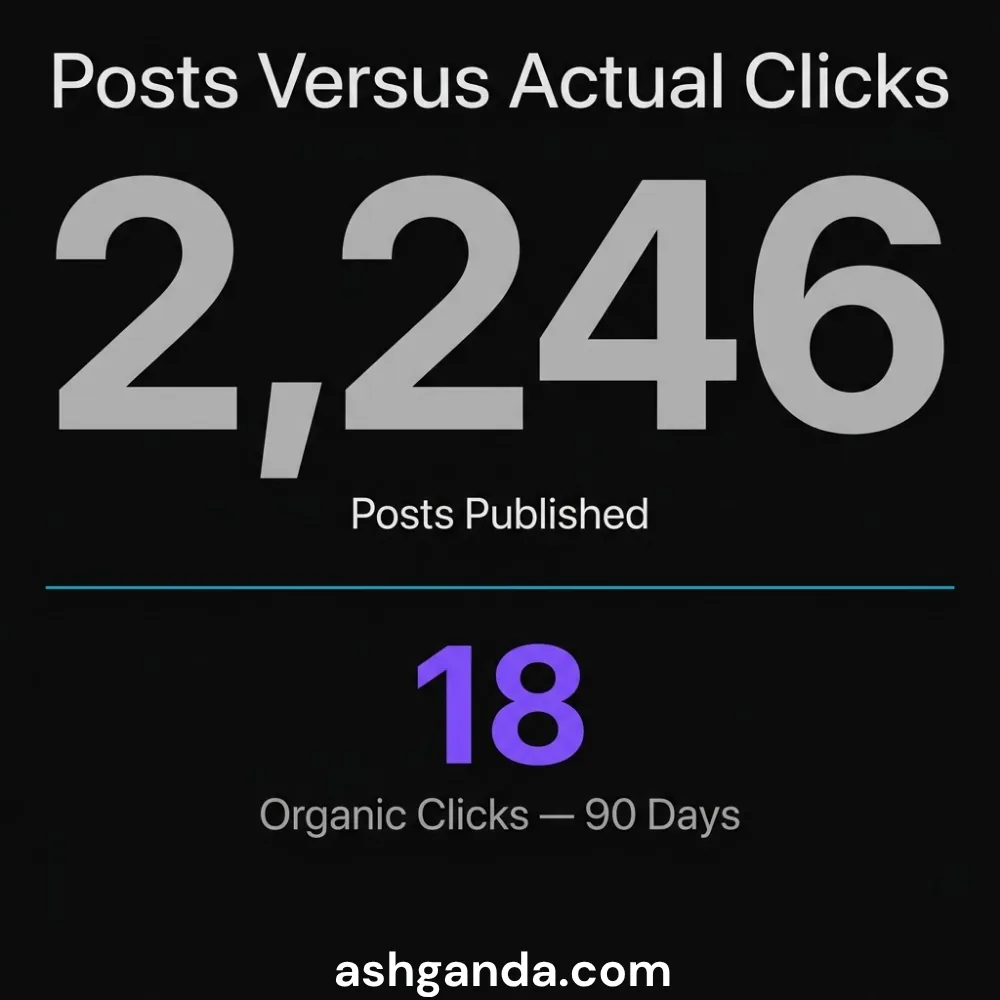
We published 2,246 blog posts across four domains. In 90 days, they produced 18 Google organic clicks. Not per day — total. When we audited the sites, we found the same four defects running independently on each one. All four were framework choices masquerading as content problems.
This is what we found, what we fixed, and what the Astro rebuild actually changed.
The Setup: Four Sites, Four Frameworks, One Pattern of Failure
The GTS constellation — Cloud Geeks, Cosmos Web Tech, Awesome Apps, and Ash Ganda — had each been built under different frameworks over different years. Some were React SPAs. Some were Next.js apps. Some had been partially migrated. All of them shared a common characteristic: Google had indexed almost none of their content despite hundreds of posts.
The Search Console data was brutal:
| Site | Posts | 90-Day Impressions | 90-Day Clicks |
|---|---|---|---|
| cosmoswebtech.com.au | 463 | 7,960 | 17 |
| ashganda.com | 854 | 5,029 | 1 |
| cloudgeeks.com.au | — | 12,789 | 0 |
| insights.cloudgeeks.com.au | 497 | 2,924 | 0 |
| eawesome.com.au | 419 | 7 | 0 |
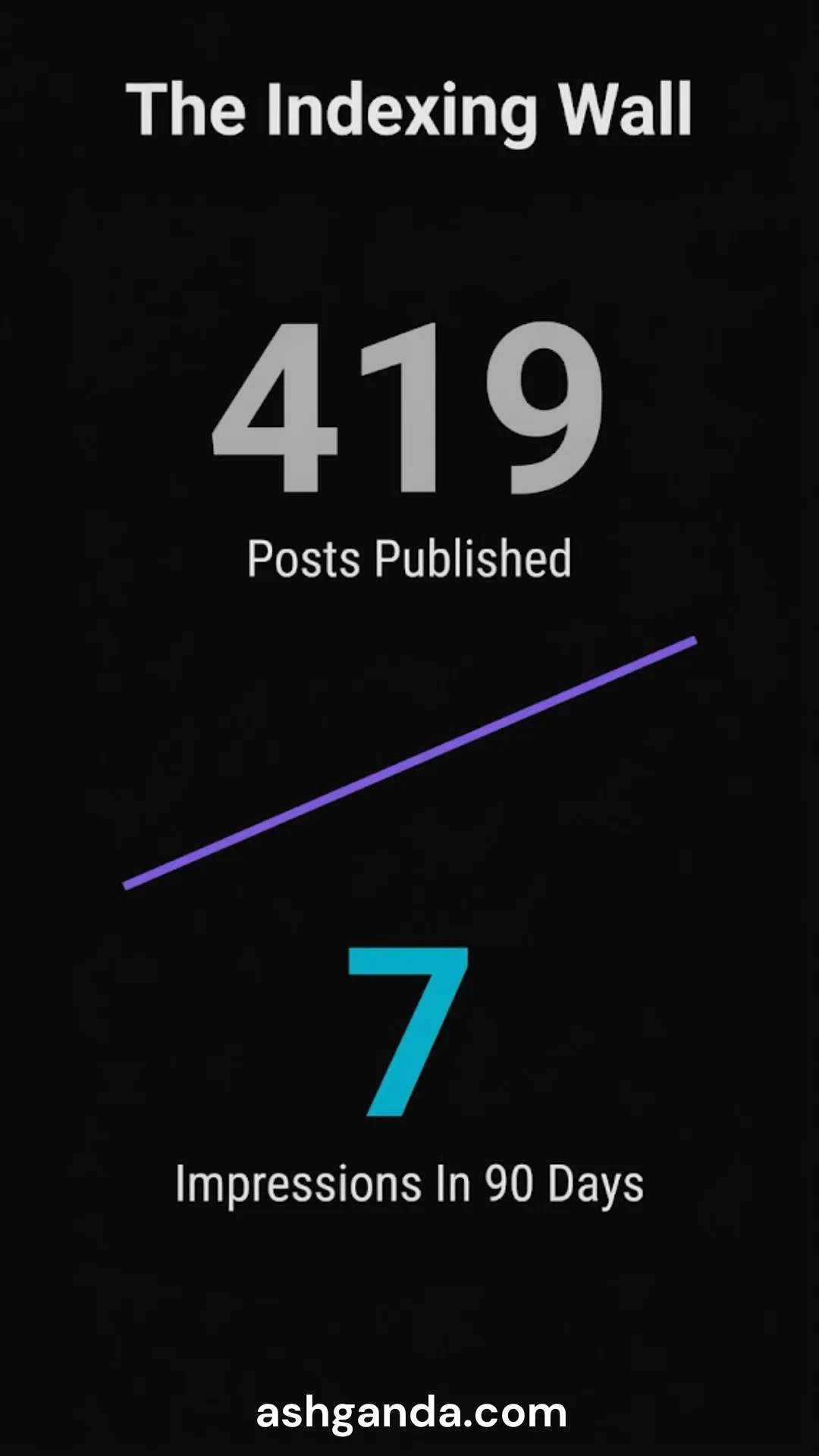
Eawesome had 7 impressions across 419 posts. That number is not a ranking problem. That number is an indexing problem. Something fundamental was wrong.
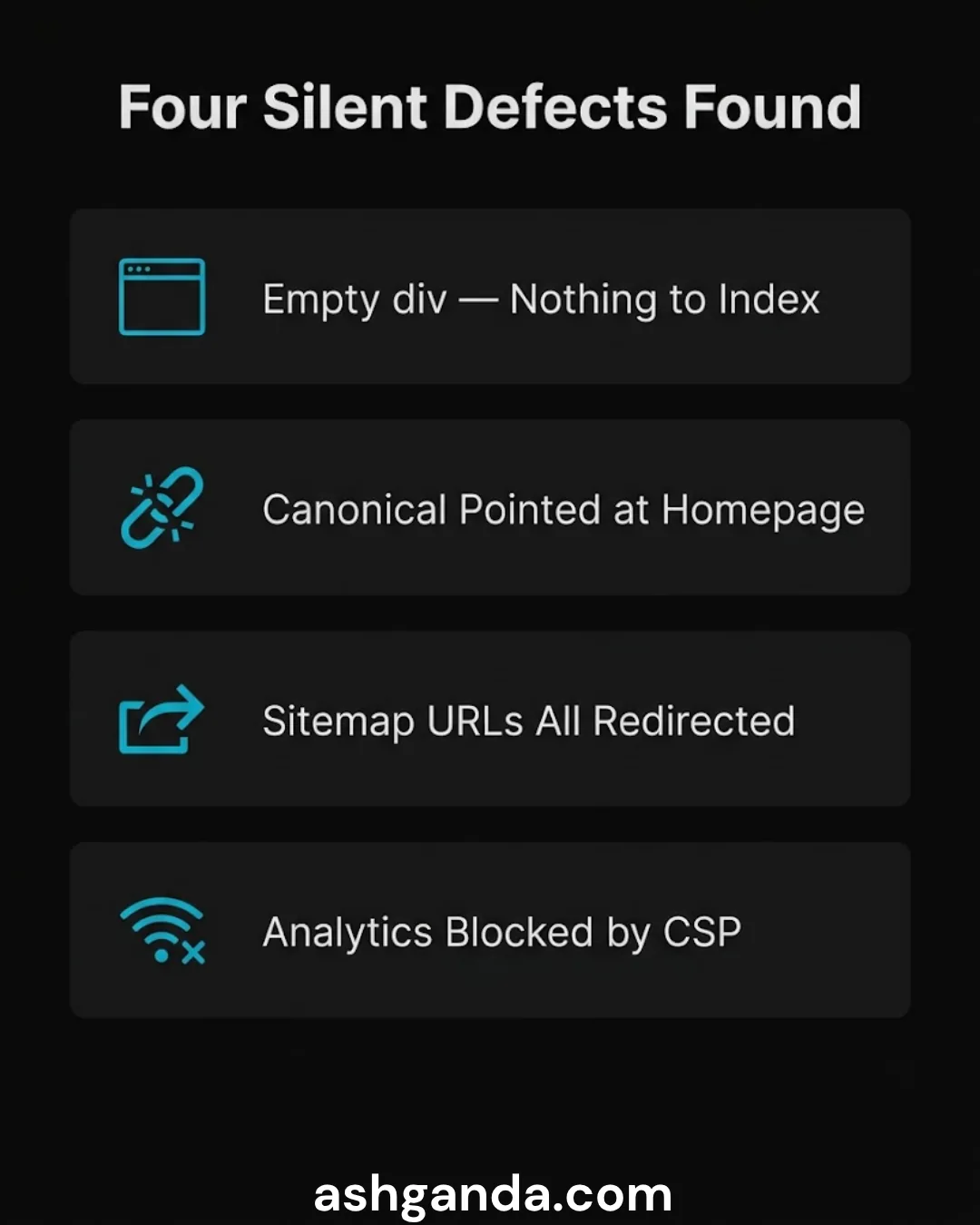
Defect 1: Zero Body Content to Crawlers
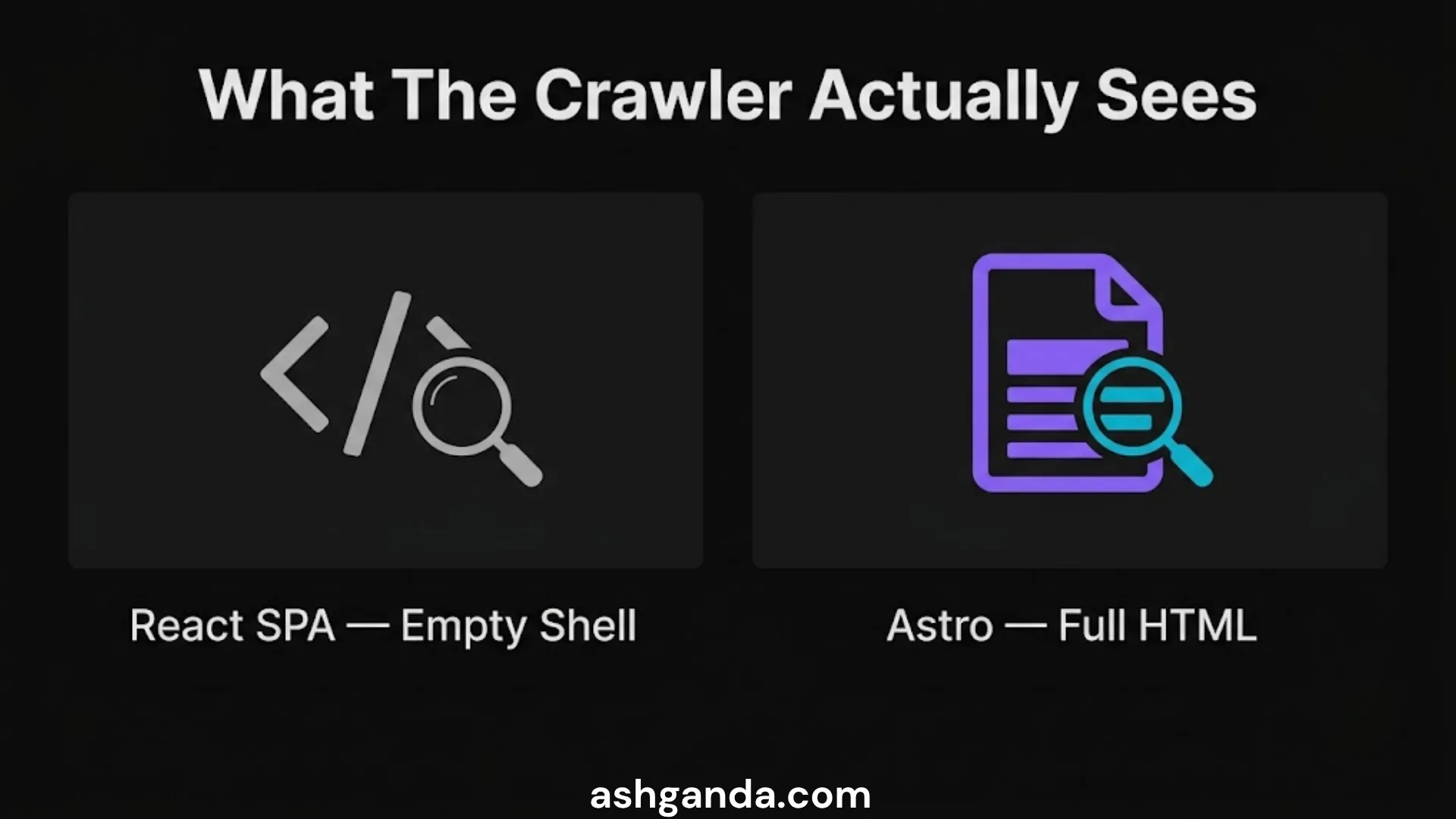
The most widespread failure: React SPAs that rendered content client-side. Google’s crawler fetches HTML. If your content is injected by JavaScript after page load — which is how React SPAs work by default — the crawler sees an empty shell.
Googlebot does execute JavaScript, but with two constraints:
- It queues JavaScript rendering separately from initial crawl; rendering can lag by days or weeks
- It does not execute JavaScript that depends on browser-specific APIs or hydration timing
A React SPA with no server-side rendering produces this for the crawler:
<div id="root"></div>That is the entire visible content. Google indexes the empty shell, finds no text, and the page does not rank for anything.
The fix is not “add more JavaScript.” The fix is to not use JavaScript to render content that Google needs to see. Astro solves this by generating static HTML at build time — every page is fully rendered HTML before any JavaScript runs, or before any JavaScript exists at all.
Defect 2: Homepage Canonical on Every Route
One site had a canonical tag on every page that pointed at the homepage:
<meta rel="canonical" href="https://example.com.au/" />On the blog post /blog/my-post/, the canonical said https://example.com.au/. Google interpreted this as: every page on this site is a duplicate of the homepage. It indexed the homepage. It ignored everything else.
This defect is almost impossible to detect by browsing the site in a browser. The <head> renders fine; the user sees the correct page. Only a crawler — or a manual source inspection — reveals the canonical pointing at the wrong URL.
It was a one-line bug in the layout component. It ran for months.
In Astro, the canonical is set in the layout using Astro.url or the slug passed from frontmatter, which makes it structurally impossible to accidentally hardcode the homepage URL.
Defect 3: trailingSlash: 'never' Making Every Sitemap URL a Redirect
Eawesome had 7 impressions from 419 posts. The root cause: Astro’s trailingSlash configuration was set to never, but the sitemap and canonical URLs were being generated with trailing slashes.
When Google fetches a URL ending in / on a site configured to redirect trailing slashes, it gets a 308 redirect. Then it fetches the redirected URL. Google does follow redirects — but when a site’s entire sitemap produces 308s for every URL, Google often deprioritises recrawl. The crawl budget gets spent on redirect chains rather than content.
Search Console showed the result clearly: “Crawled — currently not indexed” for 136 pages. Google had visited them. Google had chosen not to index them. The redirect was the signal that the configuration was inconsistent.
Fix: align trailingSlash setting, sitemap URL generation, and canonical tags so every URL in every context is identical. One source of truth.
Defect 4: Analytics Beacon That Never Fired
Two sites had GA4 measurement IDs in their configuration. Neither was actually sending data to Google Analytics. The sites were recording zero sessions — but both had page views in Search Console. They were being crawled. Real users were visiting. Nothing was being measured.
In one case: the GA4 measurement ID in the environment variable did not match the ID in the actual Google Analytics property. Copy-paste error from the wrong project. Easy to miss, impossible to detect without checking both sides.
In the other case: a Content Security Policy header was blocking the *.google-analytics.com domain. The analytics script loaded. The beacon request was sent. The CSP blocked it silently in the browser. No error visible to users. No data arriving in GA4.
The CSP fix:
Content-Security-Policy: connect-src 'self' https://*.google-analytics.com https://*.analytics.google.com https://*.googletagmanager.com;These are not Astro problems. They are environment configuration problems. But moving to Astro forced us to rebuild the configuration intentionally rather than inherit it from a partially-migrated app.
Why Astro
Astro’s design philosophy aligns with what we needed:
Zero JavaScript by default. Astro components render to static HTML. JavaScript is opt-in per component via directives (client:load, client:idle, client:visible). For a content site, most pages genuinely need zero JavaScript to function. This is not true of React by default.
File-based routing with explicit slug control. Every route is a file. The canonical URL for a post is derived directly from its file path and frontmatter slug — there is no abstraction layer that can accidentally point every canonical at the homepage.
Content Collections. Astro’s type-safe content system validates frontmatter schema at build time. If a post is missing a slug field, the build fails. If the date is in the wrong format, the build fails. Defects that were invisible in the old system now surface before deployment.
Sitemap plugin that respects configuration. The @astrojs/sitemap plugin generates URLs using the same base URL and trailing slash configuration as the router. No drift.
Build-time verification. We added a post-build check that:
- Fetches a sample of canonical URLs and asserts they return 200
- Fetches those same URLs from the generated sitemap and asserts they match
- Checks that an unknown slug returns 404
This runs on every deployment. It would have caught every defect in the list above before any post went live.
What the Rebuild Did Not Fix
Framework choice does not fix content quality. A static site with 2,000 thin posts will still rank poorly — the posts just now reach the crawler. The rebuild was necessary but not sufficient. It removed the ceiling on what content could achieve. It did not make the content better.

It also did not fix the demo content problem: a significant portion of Cosmos’s top-ranking pages were fictional business demos (“Sweet Traditions Bakery”, “Artisan Italian”). These ranked for irrelevant terms because they were fully-rendered HTML and the real service pages were not. Astro fixed the rendering; we still had to audit and noindex the demo pages separately.
The Lesson
When your content marketing is not working, the instinct is to produce more content. Before that: verify that your existing content can be indexed. Check that your canonicals are correct. Check that your sitemaps resolve 200. Check that your analytics beacon fires.
We ran 2,246 posts through an invisible wall for months. The wall was not content strategy. It was a div#root and a wrong canonical.
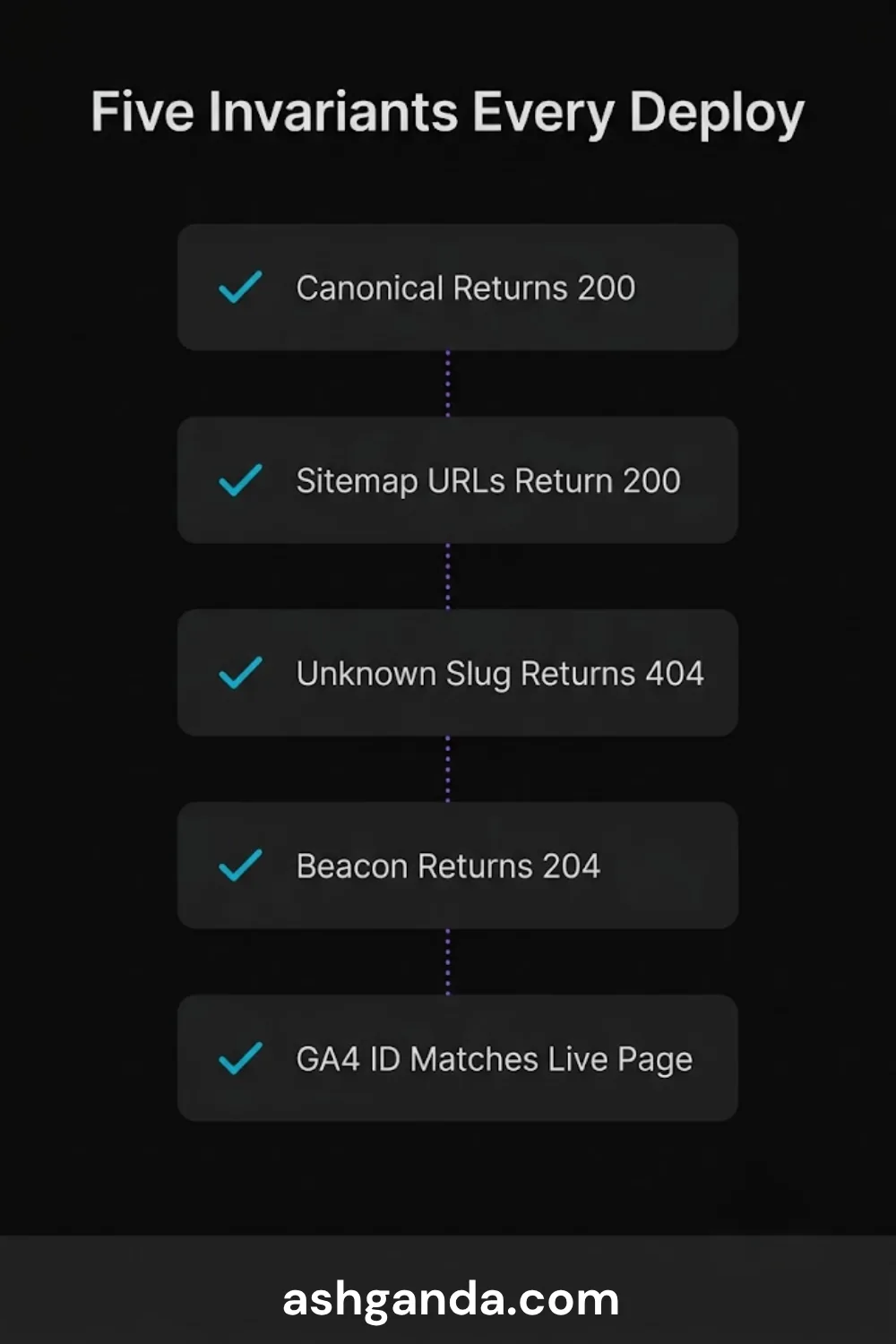
The five invariants we now check on every site before publishing a single post:
- Canonical resolves 200 — never a redirect
- Sitemap URLs resolve 200 — sitemap is generated, never hand-maintained
- Unknown URLs return 404 — not 200 + homepage content
- Analytics beacon returns 204 — and a session actually lands in GA4
- GA4 measurement ID in config matches the live property
These are checked by a script that runs on every deploy. If any invariant fails, the deploy is flagged and the publishing cadence is paused.
Measure before you build. Verify before you publish.
Frequently Asked Questions
Is Astro better for SEO than Next.js?
Astro and Next.js (with static generation or server-side rendering enabled) can both produce fully-indexed, fast-loading pages. The advantage of Astro for content sites is that static HTML output is the default — you have to opt in to JavaScript, rather than opt out. For content-heavy sites with minimal interactivity, this default makes SEO misconfiguration less likely. Next.js is better when you need complex server-side logic or dynamic personalisation alongside content.
Does rebuilding on a static framework automatically improve rankings?
No. A static rebuild removes indexing barriers — it ensures your content can reach Google’s index. It does not improve the content itself or the authority of your domain. Think of it as fixing the distribution channel, not the product.
How do you check whether your canonical tags are correct?
The simplest method: view the HTML source of any page (Ctrl+U in Chrome), search for canonical, and verify the URL matches the page you are on. For bulk checking, a crawl tool such as Screaming Frog, Ahrefs Site Audit, or a custom script that fetches a list of URLs and parses their canonical tags is more reliable at scale.
What is a sitemap URL that returns a redirect doing to my SEO?
A sitemap URL that returns a 308 or 301 redirect signals to Google that the sitemap is out of date. Google will follow the redirect, but the crawl budget is spent on the redirect chain rather than the content. Over time, Google may deprioritise recrawling the site if it consistently finds that sitemap URLs do not match canonical URLs. The fix is to ensure every URL in the sitemap is the canonical URL — no redirect required.
Digital Transformation Roadmap 2026
A 12-month framework for Australian SMBs ready to modernise — phases, tools, and milestones.