
Three Systems Agreed the Analytics Were Fine. None of Them Had Looked at the Page.
One of my sites has published more than 850 posts. Until Sunday it had never sent a single analytics event, because the tag was not on the page.
That is embarrassing enough on its own. It is not why I am writing this.
I am writing because of what happened when I went looking for how it survived so long. Three separate systems, maintained by three separate parties, all reported that analytics on that site was fine. Every one of them was answering honestly. Not one of them had looked at the page.

The three agreements
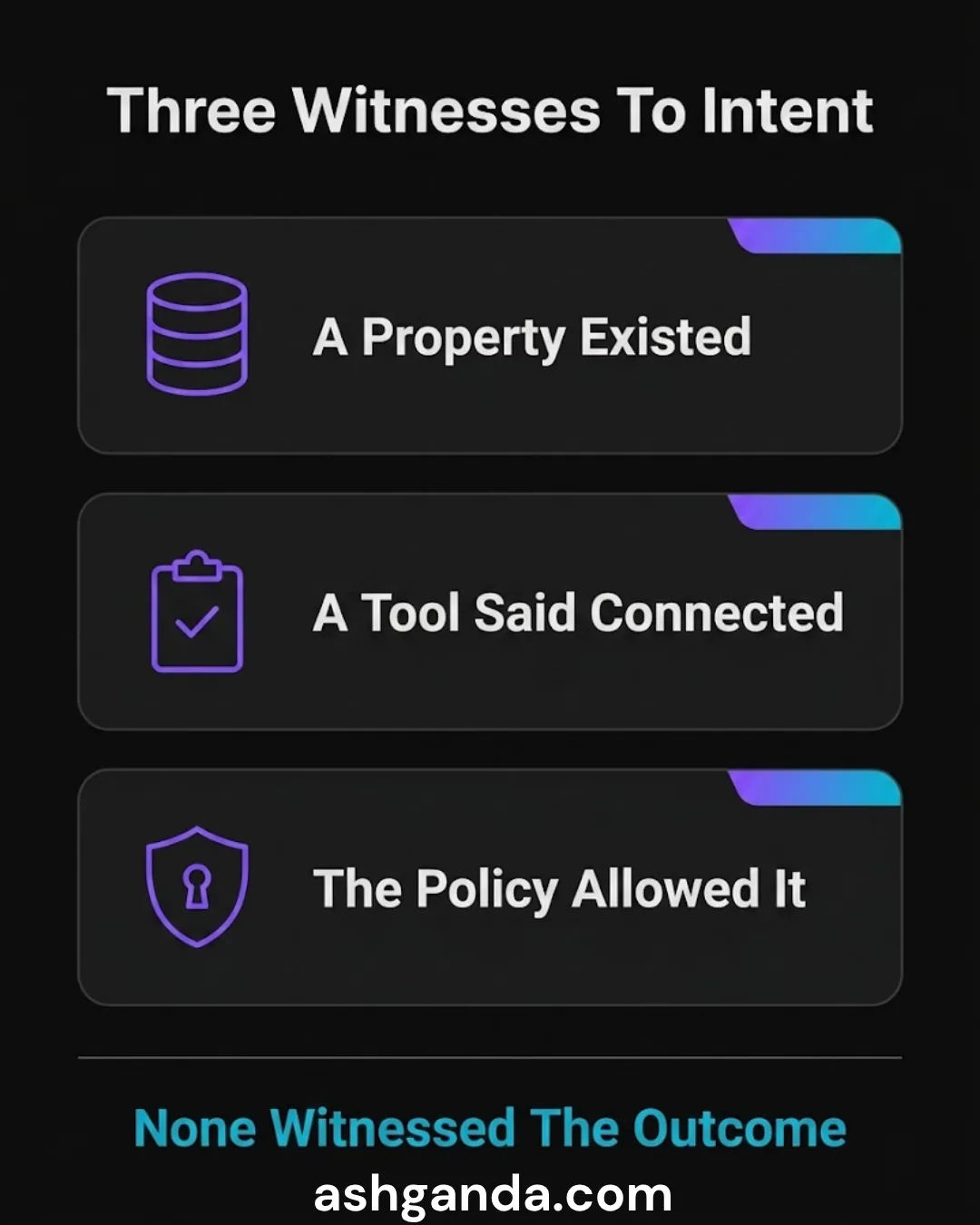
A property existed. There was a real Google Analytics 4 property, provisioned, named, with a measurement ID. Open the Analytics console and the site was unmistakably there. What a property tells you is that somebody once intended to measure this site. It tells you nothing about whether anything is sending to it.
An SEO platform reported the connection. A third-party audit tool sat across the site and reported it as connected to Google Analytics. That report was true in its own terms — the tool could see the Analytics account association. It had not fetched the page and looked for a tag.
The security policy already allowed the vendor. This is the one that fooled me longest. The site’s Content Security Policy explicitly named Google’s tag manager domain in script-src, and the Analytics collection domains in connect-src. Someone had done the careful, unglamorous work of allowing exactly the traffic the tag would need.
Read that in sequence and it is overwhelming. A property exists, a tool confirms the connection, and the security policy has been deliberately opened for the tag’s own network calls. Any reasonable person concludes analytics is working.
Each of those is evidence that somebody intended to install analytics. Not one is evidence that analytics is installed.
What actually found it
Nothing clever. I fetched the live HTML of all five sites in the group and grepped each one for a measurement ID.
Four returned one. The fifth returned nothing.

The check took under a minute and it is the only check in this story that asked the question that mattered: is the tag on the page a visitor receives? Everything else asked an adjacent question and got an adjacent answer.
The detail worth stealing is not the grep. It is the comparison across five siblings. I was not measuring the site against a specification — I did not have one to hand, and writing one is exactly the kind of task that never gets done. I was measuring it against its four siblings, which were configured by the same people for the same purpose. A single site returning nothing while four return something is a finding you cannot argue with, and it needs no documentation to interpret.
If you run more than one property, this is available to you today. Fetch them all. Grep for the thing that should be there. The odd one out is the finding.
Why this class of failure survives
I have written before about measuring the artifact your users receive rather than the source you edit. This is the same family, but the mechanism is different and worth naming separately.
There, the problem was measuring the wrong object. Here, the problem is corroboration standing in for verification.
Three independent sources agreeing feels like strong evidence. In ordinary life it usually is — independence is what makes agreement meaningful. But these three were not independent in the way that matters. They were all downstream of the same act: somebody set out to install analytics. The property, the tool’s connection record and the security policy are all artefacts of that intention, and they would all look exactly the same whether or not the final step was ever completed.
Three witnesses to the intention. Zero witnesses to the outcome.

That is the shape to look for. When several signals agree, ask what they are each downstream of. If they all trace back to one decision, you have one piece of evidence wearing three hats.
The part that should worry you more
The tag is now installed. Confirmed in the build output before deploying, and confirmed on the live page after.
But I do not treat that as the end of it, for a reason that predates this bug.
Elsewhere in the same group there is a first-party measurement beacon, running alongside GA4 rather than instead of it. It exists because GA4 has been unreliable across these sites in a specific and instructive way: at one point the tag was present in the page and never fetched. Present. In the DOM. Sending nothing.
So the fix for “the tag is missing” is not “confirm the tag is present”. Presence was already insufficient before we started.
What actually surfaced problems was having two counts that could disagree. When the first-party beacon and GA4 were compared during some bot-traffic work, they disagreed by a factor of 2.6. Neither number was self-evidently wrong. The disagreement was the signal, and no single-source dashboard, however well configured, can produce one.
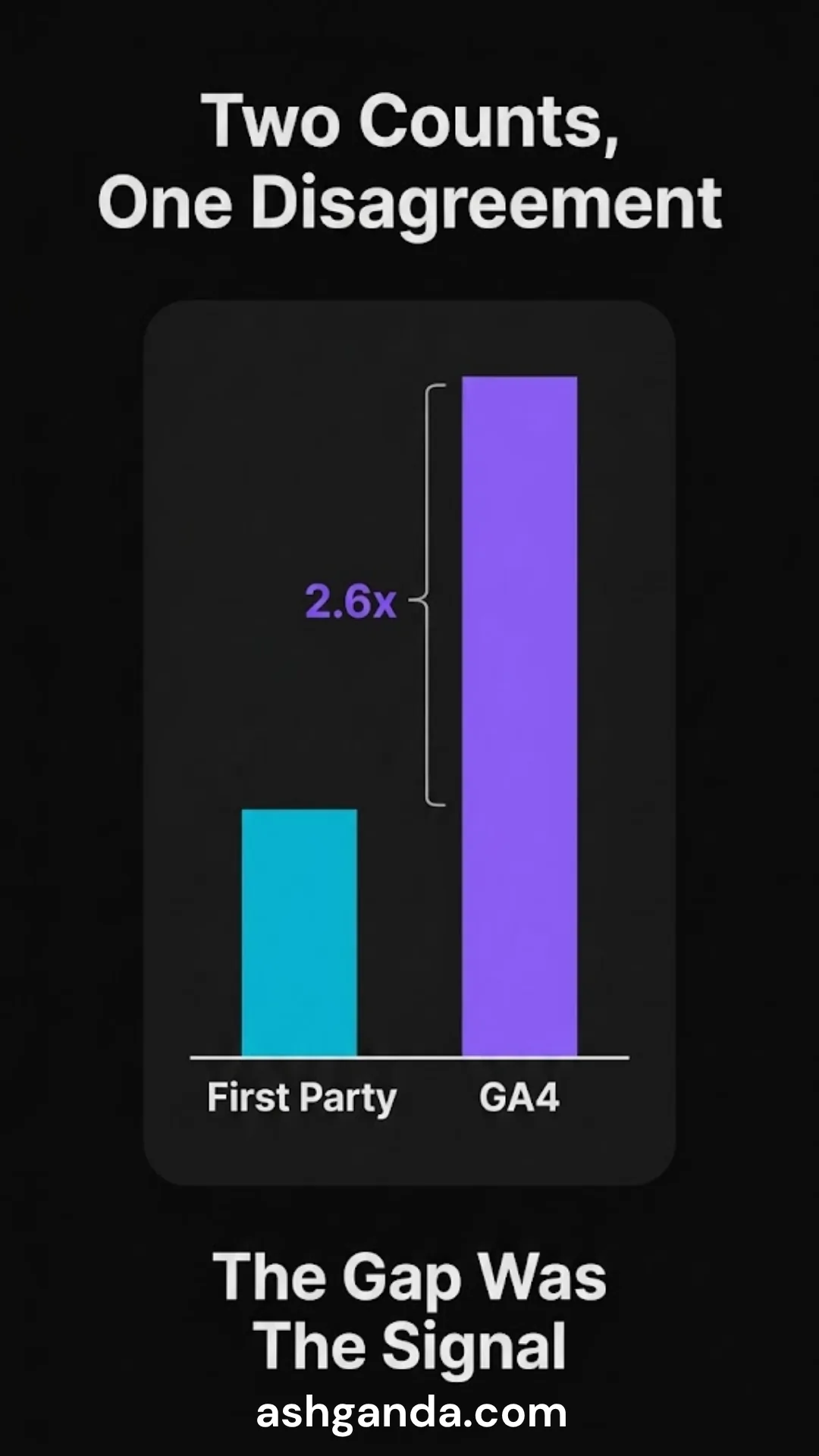
This is the uncomfortable conclusion. A better checker would not have caught this. Checkers verify against expectations, and the expectation here — that analytics was working — was held with total confidence by everyone who had one. What catches it is a second measurement that was arrived at differently and is free to contradict the first.
What to do about it this week
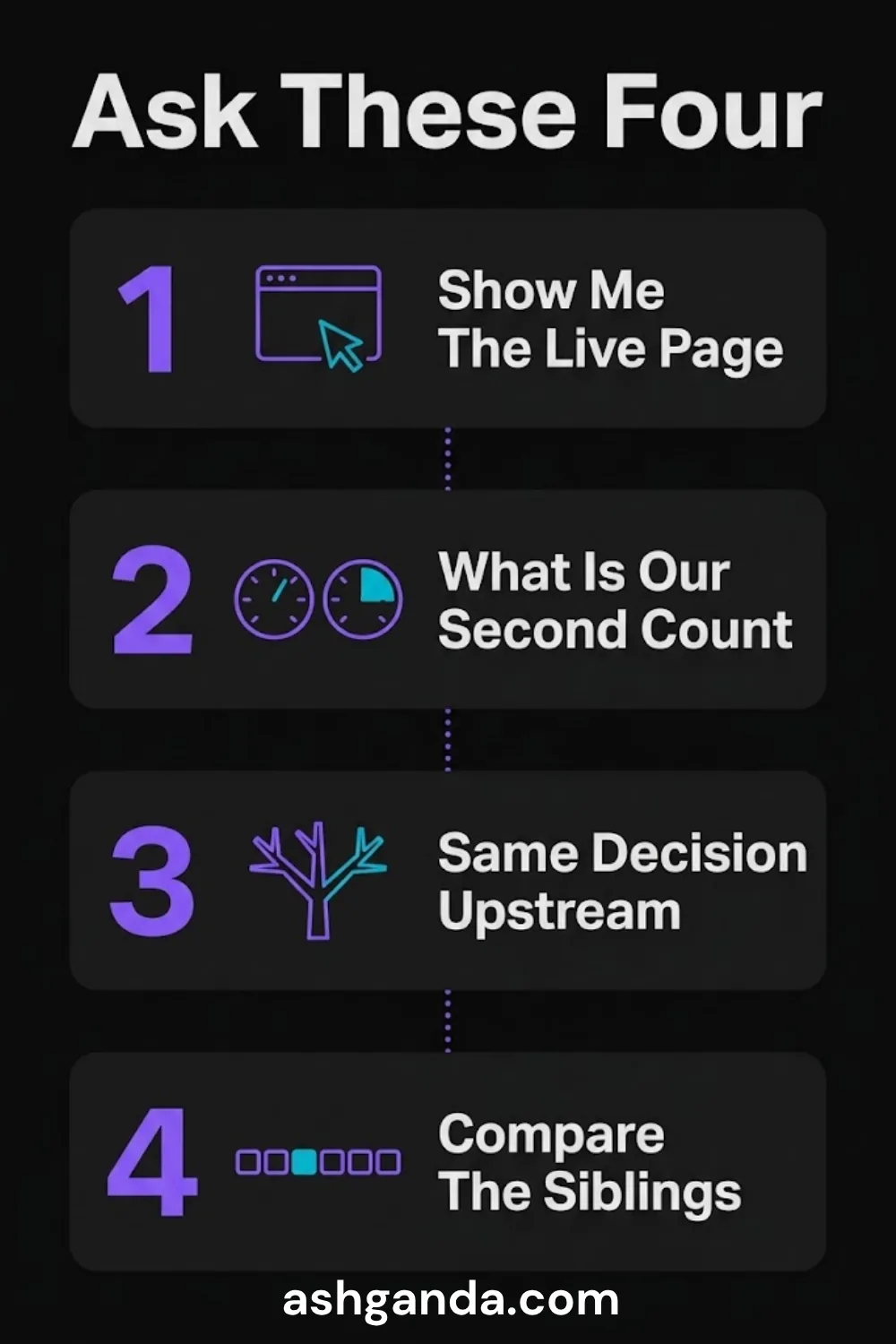
Four questions, in the order I would ask them.
“Show me the tag on the live page, not the account.” Open the site, view source, search for the measurement ID. Not the console, not the audit tool, not the config file. The page. If nobody on the call can do this in thirty seconds, that is itself the finding.
“What is our second, independent count?” If reporting comes from exactly one system, you have no way to detect that system being wrong — only to detect it being absent. Two imperfect counts that can disagree beat one trusted count that cannot.
“Which of our assurances are downstream of the same decision?” Take the three or four things that make you confident a control is working, and trace each back. If they all descend from one implementation choice, you have far less corroboration than the count suggests.
“When did we last compare our properties against each other?” The cheapest audit available to any organisation running more than one site, product or environment is the sibling comparison. It costs a script and finds the outlier without anyone writing a specification first.
The principle
An absent control and a working control produce identical paperwork. The property, the tool report and the security policy were all real, all accurate, and all completely compatible with the site measuring nothing at all for the entire time it published more than 850 posts.
Assurance that cannot distinguish between “installed” and “intended to be installed” is not assurance. It is a record of good intentions, and it will keep agreeing with itself indefinitely.
Go and look at the page.
Related reading
- The Dashboard Was Reading the Wrong Artifact — measuring source instead of built output, and the 3,226-link gap it hid
- Verification That Cannot Fail — why a check that never returns red is not a check
- Green CI, 381 Tests, and a Product That Never Published — the same failure in the delivery pipeline
For technical deep-dives on the cloud and IT topics I cover strategically, visit Cloud Geeks — our specialist IT infrastructure blog.
Ganda Tech Services is my technology consultancy, bringing together cloud infrastructure, web development, and mobile expertise for Australian businesses.
Frequently asked questions
How do I check whether Google Analytics is actually installed on my site?
Fetch the live page and search its HTML for your measurement ID — the string beginning G-. Do not check the Analytics console, an SEO audit tool or a configuration file, because a property, a connection record and a config entry can all exist while the tag itself is absent from the page.
Why did my SEO tool say the site was connected to Google Analytics? Most audit platforms report the account association they can see through an Analytics integration, not the presence of a tag in the page source. That report is accurate about what it measured. It is simply not an answer to the question of whether visitors are being counted.
Does a Content Security Policy that allows Google Analytics mean the tag is installed? No, and this is a common trap. A CSP entry allows the tag’s network calls to succeed if the tag runs. It is created by someone preparing for the tag, so it looks like confirmation while being purely an artefact of intent.
Is it enough to confirm the analytics tag is present in the page? It is necessary but not sufficient. A tag can be present in the DOM and never fetched, which produces exactly the same silence as no tag at all. The durable check is a second, independently derived count that is free to disagree with the first.
What is the fastest way to audit analytics across several sites? Fetch all of them and grep each for the measurement ID. You are comparing siblings configured by the same team for the same purpose, so the odd one out is a finding you can act on immediately, without writing a specification first.
Digital Transformation Roadmap 2026
A 12-month framework for Australian SMBs ready to modernise — phases, tools, and milestones.
Almost done
Check your inbox and click the confirmation link to get your download.