The Power of Data Analytics with Google Cloud: A Comprehensive Workflow
Introduction
Google Cloud Platform provides a comprehensive suite of services for building powerful data analytics workflows.
The GCP Analytics Stack
Data Ingestion
- Pub/Sub for streaming data
- Cloud Storage for batch data
- Data Transfer Service for SaaS data
Data Processing
- Dataflow for stream and batch processing
- Dataproc for Spark and Hadoop
- Cloud Data Fusion for visual ETL
Data Storage
- BigQuery for analytics
- Cloud Storage for data lake
- Bigtable for operational analytics
Analysis and Visualization
- BigQuery ML for machine learning
- Looker for BI
- Data Studio for dashboards
End-to-End Workflow
Step 1: Ingest Data
Collect data from various sources.
Step 2: Process and Transform
Clean, validate, and transform data.
Step 3: Store and Organize
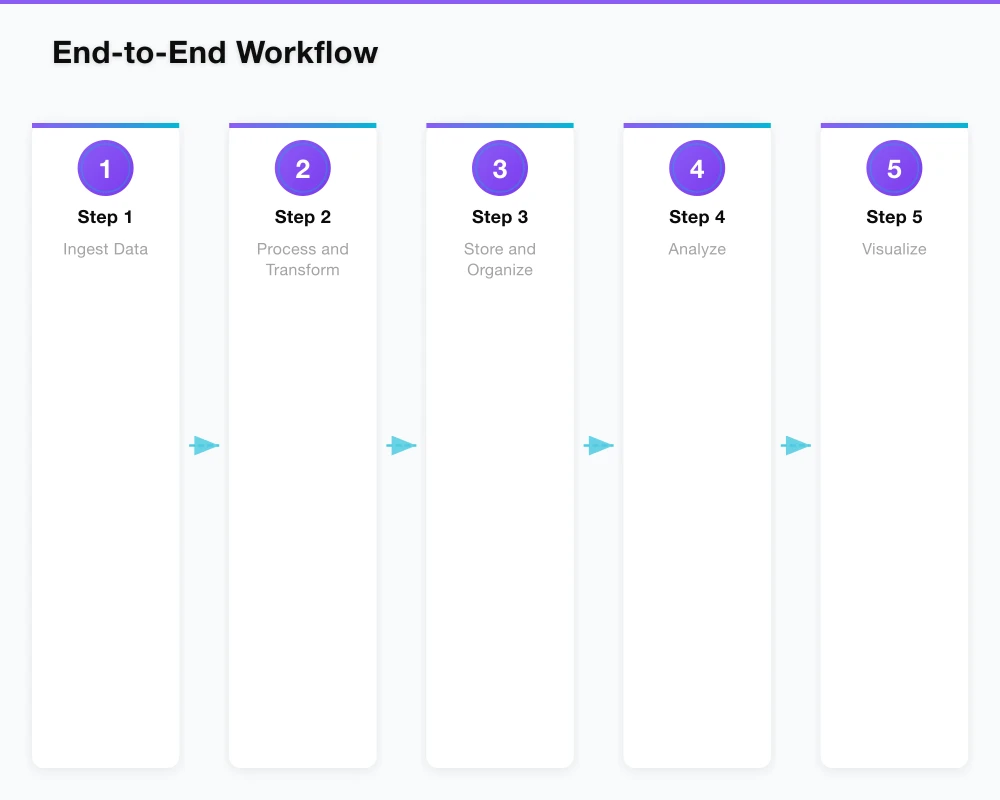
Load into appropriate storage systems.
Step 4: Analyze
Query and explore data.
Step 5: Visualize
Create reports and dashboards.
Step 6: Act
Use insights for decisions.
BigQuery: The Centerpiece
Key Features
- Serverless architecture
- Petabyte-scale analytics
- Built-in ML
- Real-time analytics
Best Practices
- Partition tables
- Use materialized views
- Optimize queries
- Control costs
Integration Patterns
Streaming Analytics
Real-time insights from event streams.
Batch Analytics
Scheduled processing of large datasets.
Hybrid Approaches
Combining streaming and batch.
Cost Management
- Use committed use discounts
- Monitor query costs
- Optimize storage
- Right-size resources
Conclusion
GCP provides all the tools needed to build comprehensive analytics workflows at any scale.
Explore more Google Cloud solutions.
For the practitioner’s view on cloud, IT, and cybersecurity, explore Cloud Geeks — where strategy meets infrastructure.
My consultancy Ganda Tech Services operates three specialist divisions covering cloud infrastructure, web development, and mobile apps for Australian businesses.
About the Author
Ashish Ganda is the founder of Ganda Tech Services, a Sydney-based technology consultancy specialising in cloud infrastructure, web development, and mobile app solutions for Australian businesses.
Digital Transformation Roadmap 2026
A 12-month framework for Australian SMBs ready to modernise — phases, tools, and milestones.